©2026 - www.my-cpe.com All rights reserved
support@my-cpe.com7 Days Free Trial
for Enterprise Subscriptions
You have Not Selected the Monthly or Annual Plan

#1 Global Platform for Continuing Education
Create your Free Account | Get Unlimited Access only @$199/Year ( View Details )
Trusted by 250,000+ Professionals for Continuing Education
Create Your Account 1/2
Already have an account? Log In
To Continue using Trial, please verify your email address
Didn’t received verification email? Resend Email
You can cancel anytime during your trial period.
Become a
MYCPE ONE Member
@ $299 $199
33% Discount on Annual Subscription


Complete Access to 12,000+ Hours of Content
Trusted by 250,000+ Professionals
"Steven was knowledgeable and thorough…”
Steven was knowledgeable and thorough in his information about the product and what is offered. He was empathetic to my situation. He went above and beyond answering all of my many questions. Excellent service!

Crystal lovejoy
"Great Customer Service”
Great service and very patient as I asked several questions. Steven answered all my questions and helped me make the right decision in my subscription purchase. Thank you.

Lori corry
"It is what it advertised to be”
It is what it advertised to be. Professional quality training and CPE tracking and certificates; systems knows AZ CPA CPE requirements and categories. I've needed help on several occasions and the assistance was quick and effective; however, there were some problems with data entry. The assistance sometimes asks for input, but when I try to type it is dissallowed for some reason. On several occasions I had to close the popup to get it out of my way.

Brian Carey
"Great customer service”
Great customer service. Classes are pertinent. Great value

Steve

Trusted by 250,000+ Professionals
Trusted by 250,000+ Professionals
"Steven was knowledgeable and thorough…”
Steven was knowledgeable and thorough in his information about the product and what is offered. He was empathetic to my situation. He went above and beyond answering all of my many questions. Excellent service!
Crystal lovejoy
"Great Customer Service”
Great service and very patient as I asked several questions. Steven answered all my questions and helped me make the right decision in my subscription purchase. Thank you.
Lori corry
"It is what it advertised to be”
It is what it advertised to be. Professional quality training and CPE tracking and certificates; systems knows AZ CPA CPE requirements and categories. I've needed help on several occasions and the assistance was quick and effective; however, there were some problems with data entry. The assistance sometimes asks for input, but when I try to type it is dissallowed for some reason. On several occasions I had to close the popup to get it out of my way.
Brian Carey
"Great customer service”
Great customer service. Classes are pertinent. Great value
Steve
Subscribe Now at $199/ 12 Months
Topic of Interest
Select the topics of your interest to receive Webinars/Virtual Events/E-Books/Podcasts of your interest.
Selected Topics
Important: Course Deactivation Alert
Below mentioned Courses will be deactivated soon due to outdated content. Complete the course within the next 7 days to receive credits. After Expiry date, the course will be unavailable for credit. For assistance or inquiries, please contact our support team at support@my-cpe.com.
Course Name
Thank You.
For accounting firms that have relied on Litera CE Manager for CPE tracking and learning management, a transition away from the platform creates an important decision.
The obvious question is:
What should we replace CE Manager with?
But there is a better question:
If we're changing platforms anyway, what should our next CPE and learning system actually do for our firm?
For years, many firms have treated CPE technology primarily as a compliance system: track credits, store certificates, monitor requirements, and produce reports.
Today's accounting firm needs more.
The right platform should bring together CPE compliance, learning, internal training, staff development, administration, and reporting rather than forcing the firm to manage them through separate systems.
That is the opportunity firms should consider as they evaluate their next platform.
Accounting firms moving away from Litera CE Manager should evaluate replacements based on CPA-specific compliance capabilities, historical-data migration, internal training management, learning content, external-credit tracking, reporting, integrations, and implementation support.
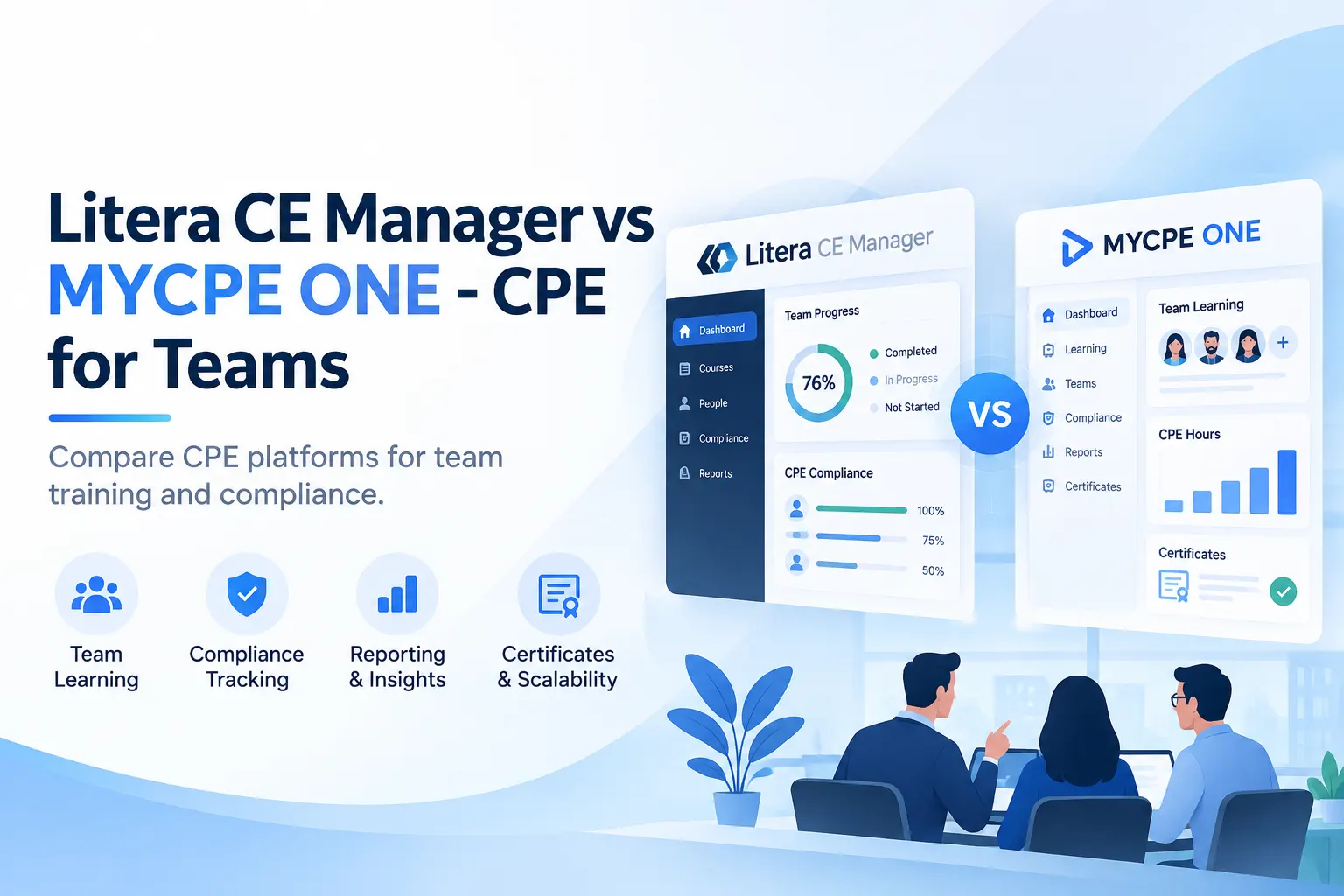
MYCPE ONE – CPE for Teams combines CPE compliance management with a large accounting-focused learning library and firm-wide learning administration.
CE Manager has had a long history in professional-services continuing education. Litera has marketed the platform to accounting firms as well as law firms, although Litera's current public positioning heavily emphasizes CLE tracking and learning management for legal organizations.
For accounting firms that have been informed about a transition away from CE Manager, the immediate priority is not simply finding another database for historical CPE credits.
It is making sure the next platform can handle the full CPE lifecycle of an accounting firm.
That includes:
A migration is therefore more than an IT project.
It is an opportunity to rethink how learning and compliance work across the firm.
Start with your data, not vendor demos.
Before comparing platforms, understand exactly what currently lives inside CE Manager.
Your migration inventory should include:
Then ask every potential replacement vendor a simple question:
Can you show us exactly how this information will work after migration?
A feature checklist alone is not enough.
Your administrators should be able to see what the day-to-day experience will look like after the transition.
CPA compliance is considerably more complicated than simply tracking a required number of hours.
Requirements can differ by state, qualification, reporting period, subject area, ethics requirement, and individual license.
Your replacement should understand concepts such as:
For firms operating across multiple states, this becomes particularly important.
An administrator should not have to maintain separate spreadsheets just to compensate for limitations in the compliance system.
MYCPE ONE – CPE for Teams provides centralized compliance tracking across all 50 states and supports 100+ professional qualifications and requirements.
The objective is straightforward: give both the professional and the administrator a clear view of what has been completed, what remains, and what deadlines are approaching.
Your employees may have years of CPE history.
That information should not disappear because you change platforms.
Ask prospective vendors specifically about migrating:
And don't stop at: "Can you import the data?"
Ask:
"What will the imported data look like to our administrator and employees?"
There is an important difference.
A CSV sitting somewhere in the new platform is not the same as properly mapped historical records that administrators can search, report on, and use during an audit.
Accounting professionals learn from many sources.
A CPA might complete courses through a state society, AICPA, a conference, another CPE provider, a software company, or an industry association.
Your CPE platform should therefore function as the firm's system of record, not merely record courses completed through that particular vendor.
MYCPE ONE allows firms to bring external CPE records into the platform so administrators and professionals can maintain a more complete compliance picture.
Certificates can also be maintained centrally rather than sitting across inboxes, laptops, shared drives, and spreadsheets.
For administrators, this can eliminate one of the most frustrating parts of CPE management: chasing employees for documentation at the end of a reporting cycle.
This is an area accounting firms should examine carefully.
Your firm is probably already investing significant time in training.
Partners conduct tax updates.
Audit leaders explain methodology changes.
Technology teams run software training.
Managers lead technical sessions.
Outside experts are brought in for specialized topics.
But if the process isn't structured appropriately for CPE, employees may still need to spend additional time taking outside courses simply to satisfy their credit requirements.
A modern CPE platform should help the firm connect internal learning with CPE administration.
MYCPE ONE – CPE for Teams can help firms manage their internal courses and support eligible firm training through the CPE-approval process.
That changes the equation.
Instead of thinking:
Internal Training + CPE = Two Separate Obligations
firms can increasingly think:
Internal Training + Proper CPE Administration = Learning That Can Also Support Compliance
For firms with hundreds of employees, the potential time savings can be significant.
Compliance is only half the job.
The other half is making people better at what they do.
MYCPE ONE provides access to:
15,000+ hours of learning across 8,000+ courses, 700+ instructors, and 500+ topics.
Content spans areas such as:
Learning is also available through multiple formats, including live programs, on-demand courses, audio, e-books, nano learning, and virtual events.
That matters because people do not all learn the same way.
More importantly, an accounting firm's learning requirements go far beyond maintaining licenses.
A first-year associate, manager, partner, tax specialist, auditor, and future firm leader should not all have the same development plan.
See MYCPE ONE – CPE for Teams →
The administrator experience matters just as much as the learner experience.
A modern CPE platform should let administrators answer questions such as:
MYCPE ONE – CPE for Teams includes capabilities such as:
This allows firms to move from managing individual courses to managing learning at the organizational level.
Software alone does not solve every compliance question.
Eventually, someone will ask:
At that point, domain knowledge matters.
When evaluating a replacement platform, ask who will actually support your CPE administrator.
The difference between generic software support and a team familiar with CPA CPE administration, State Boards of Accountancy, NASBA requirements, and accounting-firm learning becomes much more visible when an unusual compliance situation appears.
This may be the most important point for firms leaving CE Manager.
If your existing platform primarily served as a place to track credits, don't automatically recreate the same model in newer software.
Think about the entire learning ecosystem.
A typical accounting firm may currently have:
Every additional system creates administrative work.
The better question is:
How much of this can we bring together?
That is the philosophy behind MYCPE ONE – CPE for Teams.
It combines four areas that firms traditionally manage separately:
Employees get learning.
Administrators get visibility.
The firm gets compliance records.
Leadership gets a platform that can also support broader staff development.

Amrit Singh is a business leader with 10+ years of experience in continuing education. Helping accounting, tax, and finance professionals stay compliant with ease, he began his journey as a consultant. Learning across industries before stepping into a leadership role, he is shaped by both successes and failures. Amrit is passionate about problem-solving, building products, exploring technology, and mentoring future leaders. He is dedicated to transform continuing education, making it simpler, smarter, and more meaningful. Through his blogs and talks, he shares insights on accounting careers, CPA compliance, and the future of continuing education.


Business Insights: Remote Work, Decision Bias & Wine Fraud



How AI Is Changing Marketing for CPA Firms
Agentic AI Workflows for Management Accountants

Compliance vs Compliance Plus: Pricing and Features Compared for Your Team
Amrit Singh
Offshore Bookkeeping vs. In-House: What UK Accounting Firms Should Consider
 Christopher Rivera

Registration Completed

Something Went Wrong!! Please Try Again.

Registration Completed

Please Update Your Profile to Claim Your Continuing Education Credits.

Thank you for subscribing 7 Days Free Trial.
Please upgrade your browser to use MYCPE ONE
Experience MYCPE ONE at its best! Upgrade your browser for a more interactive, user-friendly interface, and stay ahead in your professional development journey.
Upgrade NowHow did you find out about us?
We were looking so hard for you now that you are finally here, So would you tell us how you found out about us?

What is your primary purpose to use MYCPE ONE?

Thank you for submitting your inquiry! We will contact you soon.
CloseOur Promise