©2026 - www.my-cpe.com All rights reserved
support@my-cpe.com7 Days Free Trial
for Enterprise Subscriptions
You have Not Selected the Monthly or Annual Plan

#1 Global Platform for Continuing Education
Create your Free Account | Get Unlimited Access only @$199/Year ( View Details )
Trusted by 250,000+ Professionals for Continuing Education
Create Your Account 1/2
Already have an account? Log In
To Continue using Trial, please verify your email address
Didn’t received verification email? Resend Email
You can cancel anytime during your trial period.
Become a
MYCPE ONE Member
@ $199 $189
33% Discount on Annual Subscription


Complete Access to 12,000+ Hours of Content
Trusted by 250,000+ Professionals
"Steven was knowledgeable and thorough…”
Steven was knowledgeable and thorough in his information about the product and what is offered. He was empathetic to my situation. He went above and beyond answering all of my many questions. Excellent service!

Crystal lovejoy
"Great Customer Service”
Great service and very patient as I asked several questions. Steven answered all my questions and helped me make the right decision in my subscription purchase. Thank you.

Lori corry
"It is what it advertised to be”
It is what it advertised to be. Professional quality training and CPE tracking and certificates; systems knows AZ CPA CPE requirements and categories. I've needed help on several occasions and the assistance was quick and effective; however, there were some problems with data entry. The assistance sometimes asks for input, but when I try to type it is dissallowed for some reason. On several occasions I had to close the popup to get it out of my way.

Brian Carey
"Great customer service”
Great customer service. Classes are pertinent. Great value

Steve

Trusted by 250,000+ Professionals
Trusted by 250,000+ Professionals
"Steven was knowledgeable and thorough…”
Steven was knowledgeable and thorough in his information about the product and what is offered. He was empathetic to my situation. He went above and beyond answering all of my many questions. Excellent service!
Crystal lovejoy
"Great Customer Service”
Great service and very patient as I asked several questions. Steven answered all my questions and helped me make the right decision in my subscription purchase. Thank you.
Lori corry
"It is what it advertised to be”
It is what it advertised to be. Professional quality training and CPE tracking and certificates; systems knows AZ CPA CPE requirements and categories. I've needed help on several occasions and the assistance was quick and effective; however, there were some problems with data entry. The assistance sometimes asks for input, but when I try to type it is dissallowed for some reason. On several occasions I had to close the popup to get it out of my way.
Brian Carey
"Great customer service”
Great customer service. Classes are pertinent. Great value
Steve
Subscribe Now at $189/ 12 Months
Topic of Interest
Select the topics of your interest to receive Webinars/Virtual Events/E-Books/Podcasts of your interest.
Selected Topics
Important: Course Deactivation Alert
Below mentioned Courses will be deactivated soon due to outdated content. Complete the course within the next 7 days to receive credits. After Expiry date, the course will be unavailable for credit. For assistance or inquiries, please contact our support team at support@my-cpe.com.
Course Name
Thank You.
Accounting outsourcing companies support CPA firms with seven groups of tools: cloud accounting software (QuickBooks Online, Xero, Sage Intacct, NetSuite), tax preparation software (UltraTax CS, CCH Axcess, Lacerte, Drake), practice management platforms (Karbon, TaxDome, Canopy), document capture and AP automation (Dext, Hubdoc, BILL), secure file exchange, security and remote access controls, and hiring and training tools such as skills assessments and CPE platforms.
That last point matters more than any single app. When outsourcing goes wrong, the cause is rarely a lack of accounting skill. It is usually access: shared logins, files sent over email, work that disappears into a black box until it comes back with errors. The right accounting outsourcing tools fix that by making offshore work visible, reviewable, and secure.
This guide covers the tools outsourcing partners use in each part of the engagement, which ones your firm should own, what the FTC Safeguards Rule expects, and the best tools to hire offshore bookkeeping staff for your accounting firm.
In most CPA firm engagements, the offshore team works inside the firm's own software, using seats the firm licenses and logins assigned to each named staff member. The outsourcing company provides everything around that software: secure office workstations, network and identity controls, monitoring, IT support, and training.

This split keeps client data in systems the firm already controls. It also means you can remove a user in minutes, see their activity in audit logs, and keep working if the engagement ends. Providers that insist on moving client files into their own platform make your exit harder and your security review longer.
| Area | Usually owned by the CPA firm | Usually supplied by the outsourcing provider |
|---|---|---|
| Accounting and tax software | Licenses, client files, user permissions | Staff trained on those platforms |
| Practice management | Workflow templates, review rules | Staff who update tasks and statuses daily |
| Hardware and network | Firm VPN or hosted desktop access rules | Secured workstations, office network, backups |
| Security controls | WISP, MFA policy, access approvals | Biometric access, monitoring, endpoint protection |
| People | Final interview and hiring decision | Sourcing, testing, payroll, HR, replacements |
Outsourced bookkeepers and accountants work mainly in QuickBooks Online, Xero, Sage Intacct, and Oracle NetSuite, with Zoho Books and FreshBooks common for smaller clients. The right fit depends on your client mix, not on the provider's preference.
QuickBooks Online remains the default for most small business clients of U.S. CPA firms. One change affects every firm using offshore QuickBooks staff: Intuit is retiring QuickBooks Online Accountant on December 31, 2026, and moving firms to Intuit Accountant Suite.
The Core plan stays free and carries over the features firms use today, but navigation and the client list work differently. Ask your provider to train offshore staff on the new interface before your firm's cutover. Our guide to the Intuit Accountant Suite upgrade covers what changes.
Xero is common in firms with a cloud-first client base. Sage Intacct and NetSuite show up when firms serve mid-market clients with multi-entity consolidations, project accounting, or dimensional reporting. Offshore staff on these platforms should have tested experience with month-end close and intercompany entries, not just transaction coding.
Around the general ledger, outsourced teams typically work in BILL for payables and receivables, Ramp or Expensify for spend management, Stampli for invoice approvals, and Gusto, ADP, or QuickBooks Payroll for payroll processing. If your firm offers outsourced accounting services for CPA firms, these are the tools your offshore team will touch every week.
Offshore tax preparers work in the same professional tax software U.S. firms use: UltraTax CS, CCH Axcess Tax, CCH ProSystem fx, Lacerte, ProConnect Tax, ProSeries, Drake Tax, and GoSystem Tax RS. Access is usually through the firm's cloud license or a hosted desktop, so returns never sit on an offshore hard drive.
Tax work carries extra rules. Under IRC Section 7216, a firm needs written taxpayer consent before return information goes to a preparer outside the United States, and Social Security numbers need added protection. Before you add an offshore preparer to your tax software, confirm your consent process with our 7216 consent form guide.
CPA firms manage outsourced work through practice management software such as Karbon, TaxDome, Canopy, Financial Cents, or Jetpack Workflow, combined with Microsoft Teams, Slack, or Zoom for daily communication. The practice management platform is the single source of truth for who is doing what, by when, and who reviews it.
Practice management software for outsourced teams works best when every job has a named preparer, a named reviewer, a due date, and a checklist. Add a status such as "Ready for review" so onshore managers know exactly when to step in.
Here is how that looks in practice. A 15-person firm hands monthly bookkeeping for 40 clients to two offshore staff. Each client has a recurring close job in Karbon with a 12-step checklist. The offshore bookkeeper completes steps 1 through 10, attaches the reconciliation reports, and moves the job to review. A U.S. senior reviews, leaves comments in the job, and closes it. Nobody chases status by email.
Short screen recordings in Loom are also worth adopting. A three-minute recording of how a partner wants a client's accruals handled saves hours of back-and-forth across time zones.
Outsourced bookkeeping teams rely on document capture tools such as Dext Prepare, Hubdoc, and AutoEntry to pull receipts and bills into the ledger, plus close and review tools such as Dext Precision, Numeric, and FloQast. These offshore bookkeeping tools cut manual data entry so staff time goes to reconciliation and review.

For a broader view of how these categories fit together, see our breakdown of the accounting firm tech ecosystem.

Reliable outsourcing companies secure client data with multi-factor authentication, encrypted remote access or hosted desktops, managed devices, restricted downloads and USB ports, monitored office facilities, and independently audited controls such as SOC 2 Type II and ISO 27001. These controls are also what the FTC expects your firm to check.

The FTC Safeguards Rule (16 CFR Part 314) treats tax preparers and CPA firms as financial institutions. It requires a written information security program, multi-factor authentication for anyone who accesses customer information, encryption, and oversight of service providers that handle client data. Your outsourcing partner falls under that last requirement.
| Security layer | Tools you will commonly see | What to ask the provider |
|---|---|---|
| Identity and MFA | Microsoft Entra ID, Okta, Duo | Is MFA enforced on every system that holds client data? |
| Password management | 1Password, Keeper Security, Bitwarden | Are credentials shared through a vault, never by chat or email? |
| Remote access | Citrix, Azure Virtual Desktop, hosted QuickBooks environments, firm VPN | Does client data stay off local machines? |
| Device control | Microsoft Intune, endpoint detection and response (EDR) | Are USB, printing, and personal email blocked? |
| Physical security | Biometric entry, CCTV, clean-desk rules | Do staff work from secured offices or from home? |
| Independent assurance | SOC 2 Type II report, ISO 27001:2022 certificate | Can we review the latest report under NDA? |
IRS Publication 4557 (Safeguarding Taxpayer Data) and IRS Publication 5708 (a sample written information security plan) are useful starting points for documenting how your provider fits into your WISP.
| Category | Common tools | What it does for your firm |
|---|---|---|
| Cloud accounting | QuickBooks Online and Intuit Accountant Suite, Xero, Sage Intacct, NetSuite | Ledger work, reconciliations, financial statements |
| Tax preparation | UltraTax CS, CCH Axcess Tax, Lacerte, ProConnect, Drake Tax | Return preparation and e-filing support |
| Practice management | Karbon, TaxDome, Canopy, Financial Cents, Jetpack Workflow | Task assignment, deadlines, review tracking |
| Document capture and AP | Dext, Hubdoc, AutoEntry, BILL, Ramp, Stampli | Less manual entry, faster bill processing |
| File exchange | SmartVault, ShareFile, Suralink, client portals | Secure client document requests and storage |
| Communication | Microsoft Teams, Slack, Zoom, Loom | Daily handoffs and recorded instructions |
| Security | MFA, password vaults, hosted desktops, Intune, EDR | Safeguards Rule alignment, data protection |
| Hiring and training | Skills assessments, video interviews, CPE platforms | Better hires and ongoing technical updates |
The best tools to hire offshore bookkeeping staff are a dedicated offshore staffing provider, an accounting-specific skills assessment, structured video interviews, and a secure onboarding setup. For most CPA firms, the strongest route is a staffing partner that bundles sourcing, testing, payroll, and secure workspaces, paired with a role-based assessment so you see real bookkeeping work before you commit.
Here are the options ranked by how well they suit a typical small or mid-sized CPA firm.
A dedicated provider sources candidates, runs the first screening, handles local payroll and HR, and places the hire in a secured office. You interview and choose the person, and they work only for your firm.
MYCPE ONE, for example, lets firms interview and test each candidate, offers a two-week free-look period after the hire starts, and runs delivery centers backed by SOC 2 Type II and ISO 27001:2022 certifications. Learn how to hire offshore bookkeeping staff through this model.
A resume shows where someone worked. An assessment shows whether they can reconcile a bank account with outstanding checks, code a vendor bill correctly, or book an accrual. MYCPE ONE Assessments offers 80+ role- and level-based tests designed by CPAs, with AI-powered integrity monitoring for remote candidates.
Accountests is another accounting-focused option, while general platforms such as TestGorilla work for soft skills and English proficiency. Read how to use an accounting skills assessment test in your process.
Zoom or Microsoft Teams works fine for interviews. The tool matters less than the structure. Use the same scorecard for every candidate, and include a live screen-share task in a sandbox QuickBooks Online or Xero file. Ten minutes of watching someone work tells you more than an hour of questions.
LinkedIn, Upwork, and OnlineJobs.ph give you direct access to candidates. The trade-off is that your firm then owns everything a provider would handle: local employment rules, payroll, equipment, and the security controls the Safeguards Rule expects. Employer of record platforms such as Deel or Remote can take on the employment side, but not the secure workspace.
Once the hire is made, set up named user accounts with least-privilege access, document SOPs in Loom or your practice management platform, and give the new bookkeeper a CPE platform for U.S. GAAP, payroll, and sales tax updates. Firms that plan CPE and training for offshore teams from day one see faster ramp-up.
| Hiring route | Candidate vetting | Data security | Admin load on your firm | Best for |
|---|---|---|---|---|
| Dedicated staffing provider | Provider screens, you interview and test | Secured offices, certified controls | Low | Firms that want long-term dedicated staff |
| Direct hire plus EOR | You source and test | You design and enforce | Medium to high | Firms with in-house HR and IT |
| Freelance marketplace | Ratings and your own tests | Personal devices, limited control | High | Short, low-risk projects only |
The best accounting outsourcing tools are the ones that keep offshore work inside your systems, under your review, and within your security program. Start with your own stack, then judge providers on how well their people and infrastructure fit into it.
If you are planning your first offshore bookkeeping hire, MYCPE ONE can help you interview and test candidates trained on your platforms, in secured offices built for CPA firm data. Explore offshore bookkeeping staffing or compare the top offshore accounting service providers first.
They use cloud accounting software (QuickBooks Online, Xero, Sage Intacct, NetSuite), tax software (UltraTax CS, CCH Axcess, Lacerte, Drake), practice management platforms (Karbon, TaxDome, Canopy), document capture tools (Dext, Hubdoc), secure file exchange, and security controls such as MFA and hosted desktops.
Usually, yes. Most CPA firms assign each offshore staff member a named seat in the firm's own accounting and tax software. This keeps client data in the firm's systems and lets the firm remove access instantly.
The most effective combination is a dedicated offshore staffing provider, an accounting-specific skills assessment, structured video interviews with a live software task, and a secure onboarding setup with named, least-privilege accounts.
Use a role-based accounting assessment that covers bank reconciliations, AP coding, accruals, and software navigation, then add a short screen-share task in a sandbox QuickBooks Online or Xero file during the interview.
It can be, if you get Section 7216 consent where required, protect Social Security numbers, enforce MFA, keep data on hosted or managed systems, and verify the provider's controls as the FTC Safeguards Rule requires.
Karbon, TaxDome, Canopy, and Financial Cents all support outsourced teams. The best choice is the one your firm already runs, configured with named preparers, named reviewers, due dates, and a clear "ready for review" status.
Look for a current SOC 2 Type II report and ISO 27001:2022 certification, plus documented MFA, device management, and physical security controls. Ask to review the reports, not just the badges on the website.
Yes. QuickBooks Online Accountant is being discontinued on December 31, 2026. Offshore QuickBooks staff should be trained on Intuit Accountant Suite navigation before your firm moves over.

Christopher is the Director of Client Relations and Business Development at MYCPE ONE, a leader known for his energy and people-first approach. Chris leads from the front mentoring teams, driving growth, and building lasting client relationships. With over a decade of experience in sales, coaching, and business strategy, he has helped 5,000 CPAs nationwide overcome challenges and discover new opportunities. Chris is a familiar presence at major accounting conferences, representing MYCPE ONE and shaping meaningful industry partnerships. Passionate about leadership and professional growth, he continues to inspire teams and professionals to reach their highest potential.
Table of Contents


Workplace Respect After Diversity, Equity & Inclusion (DEI) Environment


AI-Driven Financial Crime: Fraud, Deepfakes & AML

AI Systems Starter Kit for Everyday Business

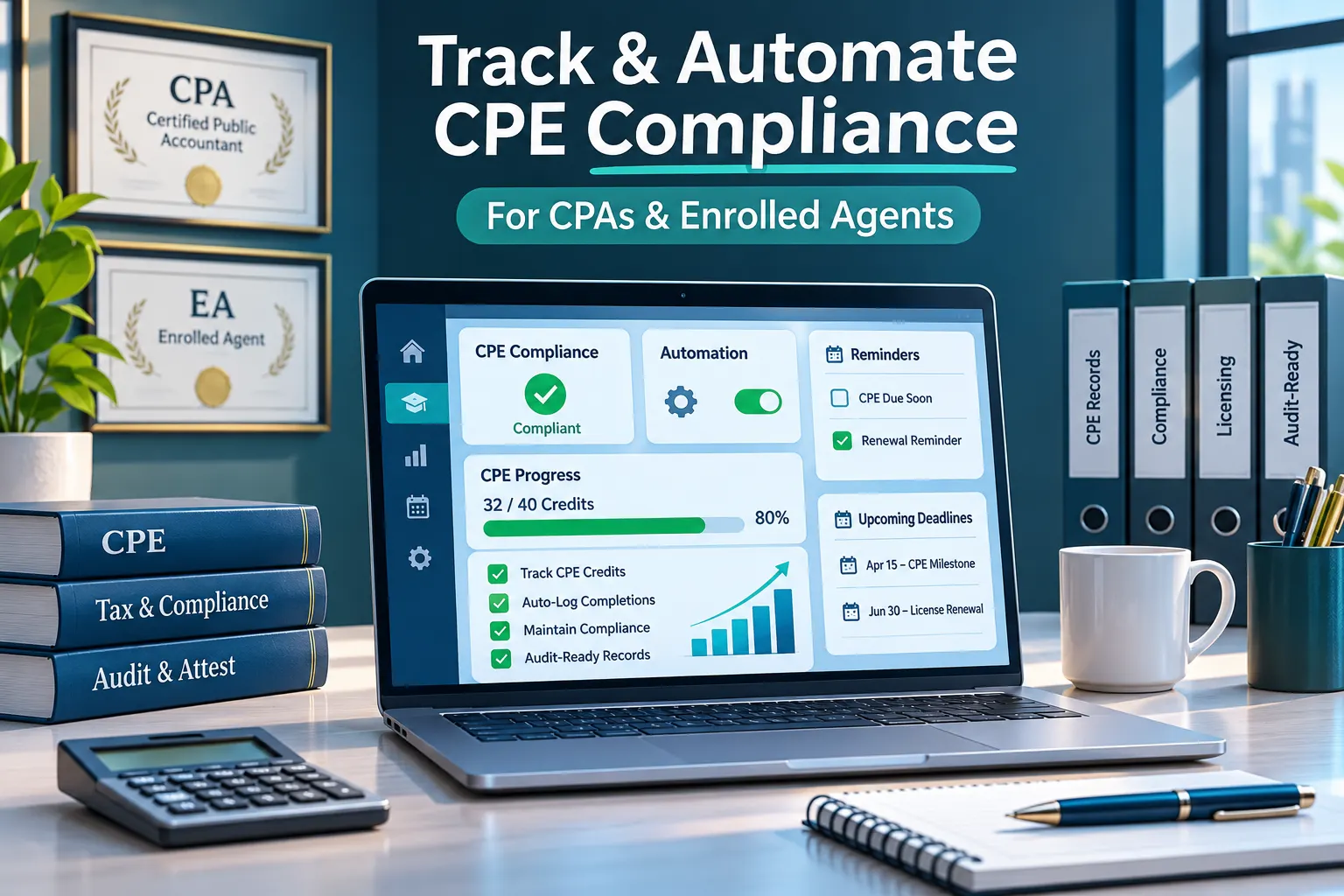
How to Track and Automate CPE Compliance: A Complete Guide for CPAs and Enrolled Agents in 2027
 Imtiaz Munshi, CPA
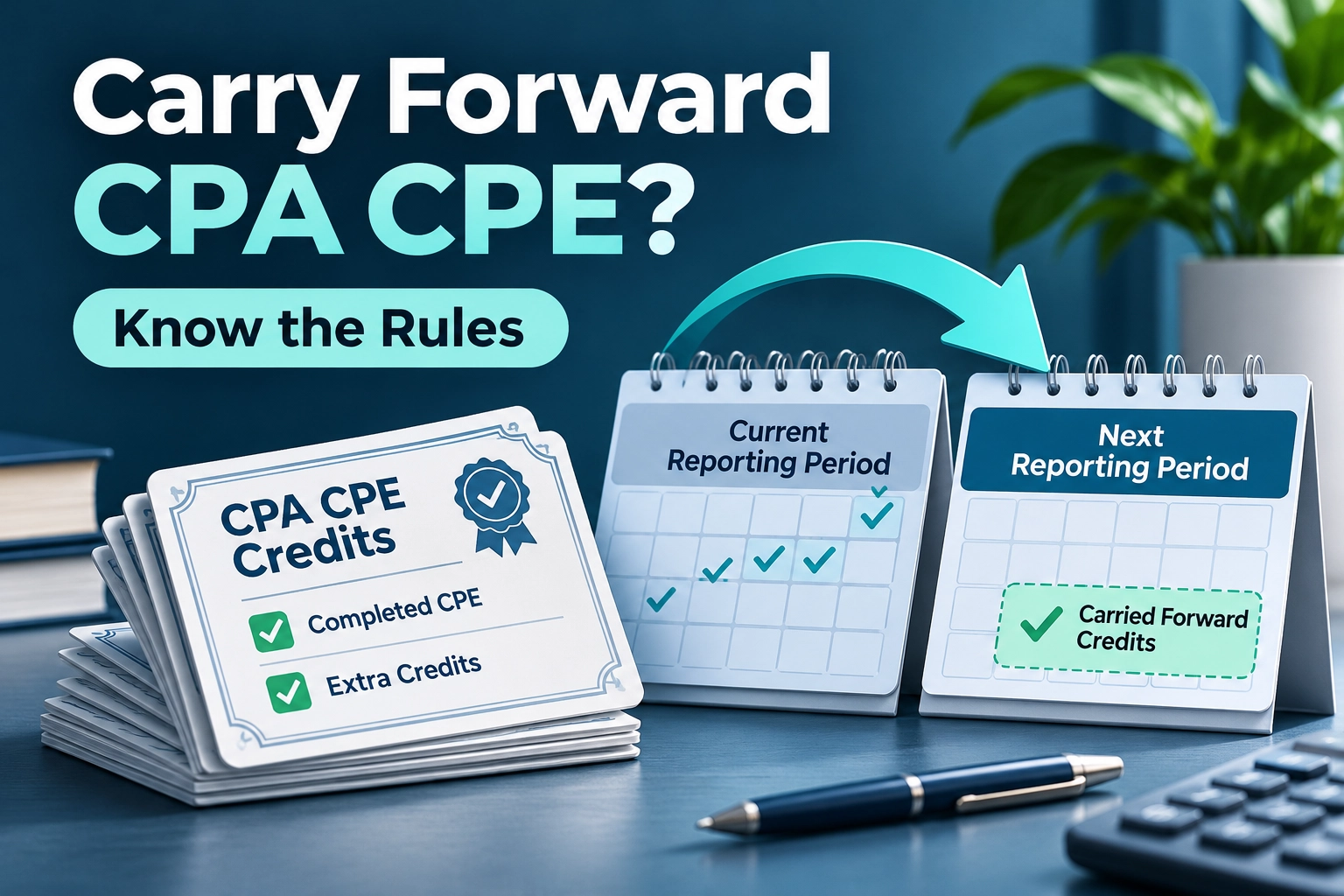
Can I Carry Forward Extra CPA CPE Credits to the Next Reporting Period?
Imtiaz Munshi, CPA
Which CPE Providers Offer State-Specific Ethics Courses and Multi-State CPA Compliance Support?
Imtiaz Munshi, CPA

Registration Completed

Something Went Wrong!! Please Try Again.

Registration Completed

Please Update Your Profile to Claim Your Continuing Education Credits.

Thank you for subscribing 7 Days Free Trial.
Please upgrade your browser to use MYCPE ONE
Experience MYCPE ONE at its best! Upgrade your browser for a more interactive, user-friendly interface, and stay ahead in your professional development journey.
Upgrade NowHow did you find out about us?
We were looking so hard for you now that you are finally here, So would you tell us how you found out about us?

What is your primary purpose to use MYCPE ONE?

Thank you for submitting your inquiry! We will contact you soon.
CloseOur Promise