Scale your CPA & accounting firm with elite offshore talent trusted by 1,000+ firms.
Thank you for your interest. Our due diligence checklist will be shared with you within 48 hours.

Yes, they can. An AI agent can reach any data that its permissions, integrations, or OAuth tokens allow, and that access often goes well beyond what your firm meant to grant. The agent is not breaking in. It is walking through doors your systems already left open. That gap sits at the center of agentic AI security risks for accounting firms.
The timing matters. Rightworks' October 2026 AI Tracker survey found that 71% of accounting and tax firms now use or test AI, yet 63% of firms using it have no formal AI policy. Adoption is moving faster than the controls that protect client data.
This guide explains how AI agents reach client files, which risks matter most, which rules apply, and the practical steps that keep your data secure. If you want hands on support, MYCPE ONE offers Cybersecurity Services for CPA and Accounting Firms to help you put these safeguards in place.
An AI agent is software that plans and completes tasks on its own, using connected tools and data. A chatbot answers questions. An agent takes action.
Here is the practical difference for a CPA firm:
That autonomy is what makes agents useful for document collection, reconciliations, and client follow ups. It is also why AI agent security differs from ordinary software security. An agent connected to your practice management system can reach every client the connected account can reach. Its reach is set by the access granted at setup, and most firms never revisit that setting.
Technically, an agent needs some form of permission to reach your data. The problem is that permission is often granted once, broadly, and without anyone checking its full scope. So in practice, yes. An agent can access client data your firm never intended it to see.
When a staff member clicks "Allow" on a connection prompt, the agent often receives access to an entire mailbox, drive, or workspace rather than a single folder.
Microsoft's own Copilot readiness guidance calls data oversharing the single largest security risk when deploying Copilot. The tool does not raise anyone's access level. It simply makes existing access far easier to search and summarize.
For an accounting firm, that means a junior staffer's AI assistant could surface partner compensation files, another client's tax return, or engagement letters sitting in a shared folder with loose permissions.
Shadow AI is any AI tool used for work without the firm's knowledge or approval. A preparer installs a browser extension that summarizes PDFs. A bookkeeper connects a free AI note taker to client calls. Each one creates a data path the firm cannot see or monitor.
IBM's 2025 Cost of a Data Breach research found shadow AI was a factor in 20% of breaches. Organizations with high levels of shadow AI paid an average of $670,000 more per breach.

The biggest agentic AI security risks for accounting firms are prompt injection, client data leaking to outside AI models, agents taking unapproved actions, and weak audit trails. These sit alongside familiar cybersecurity threats for CPA firms such as phishing and ransomware.
The OWASP Top 10 for LLM Applications ranks prompt injection as the number one risk and expanded its excessive agency category because of the rise of agents.
Prompt injection happens when hidden text inside an email, PDF, or web page gives the AI new instructions. An agent asked to summarize a client upload might find a buried line telling it to forward bank details elsewhere. Because the agent reads that text as part of its task, it may follow it. Attackers are also using AI on their side, as covered in our article on AI powered cyberattacks.
When staff paste client information into a consumer AI tool, that data leaves your controlled environment. Depending on the plan and settings, the vendor may store it, review it, or use it to improve its models. Once it is out, you cannot pull it back.
Excessive agency means an agent has more power than its task requires. An agent built to draft client emails should not also be able to send them, delete files, or approve payments. When it can, a single misread instruction becomes a real incident.
Many AI tools record little about what they accessed or did. If a client asks who viewed their records, or a regulator asks how a breach happened, you need clear answers. IBM found that 97% of organizations that reported an AI related breach lacked proper AI access controls.

Not every AI tool carries the same risk. The table below compares the three types most firms use.
| Factor | AI Chatbot | AI Agent | Embedded AI |
|---|---|---|---|
| Access level | Only what users paste in | Everything connected accounts can reach | Data inside one platform |
| Autonomy | Responds only | Plans and acts on its own | Limited to set features |
| Data retention risk | High on free consumer plans | High across many systems | Depends on vendor terms |
| Compliance exposure | Section 7216 risk if client data is pasted | Highest, spans many data sets | Moderate, often covered by existing vendor agreements |
| Recommended controls | Approved tools only, no client identifiers | Least privilege, human approvals, logging | Vendor review, admin settings audit |
Embedded AI refers to features built into software you already use, such as your tax, accounting, or practice management platform.
Three sets of rules apply most often when AI touches client data in a US accounting firm. None were written for AI, but all of them apply to it. Treat every AI tool like any other third party that handles client data.

Section 7216 makes it a crime for preparers to disclose or use tax return information without written consent, outside specific exceptions. Section 6713 adds civil penalties.
The IRS has not confirmed whether sending return data to an AI tool counts as a disclosure. Until it does, practitioners are advised to use a standalone, signed AI consent drafted with counsel. For a deeper look, read our guide to using AI in CPA firms under IRC 7216, AICPA, and FTC rules.
The FTC treats tax preparers and accounting firms as financial institutions under the Safeguards Rule. Since May 2024, firms must notify the FTC within 30 days of discovering a breach of unencrypted data affecting 500 or more consumers.
The IRS also states that tax professionals are legally required to keep a Written Information Security Plan. Your WISP should name the AI tools you approve and explain how they are monitored.
Under the AICPA Code of Professional Conduct, members in public practice cannot disclose confidential client information without the client's specific consent. Sharing client data with an AI vendor without proper safeguards puts your license at risk.
You do not need to become a cybersecurity expert. You need practical safeguards applied consistently. Start with these seven steps:
For a broader framework covering access control, backups, and incident response, see our Guide to Cybersecurity for Accounting Firms.

AI agents can reach client data without explicit permission when access is granted broadly and never reviewed. The answer is not to avoid AI. It is to manage AI with the same discipline you apply to any system that holds client data.
Focus on three priorities: limit what agents can reach, keep people in the loop for sensitive actions, and document your rules in an AI acceptable use policy and your WISP. Strong agentic AI security protects your clients, keeps your firm compliant, and preserves the trust your practice depends on.
Ready to secure how your firm uses AI? Talk to MYCPE ONE about cybersecurity for accounting firms built for CPA practices.
Only if someone pastes the data in or connects the tool to where returns are stored. Microsoft 365 Copilot can surface any file the signed in user already has permission to open, so loose folder permissions are the real exposure.
In many cases, yes. If client return information goes to a third party AI provider outside a Section 7216 exception, a signed consent is the safest approach. Confirm the wording with your counsel.
Prompt injection is hidden text in an email, document, or web page that tricks an AI tool into following new instructions, such as sharing data or changing records.
Review the connected app permissions in your Microsoft 365 or Google Workspace admin settings, read the vendor's data documentation, and run an access review of shared folders before rollout.
Yes, when you use approved tools, limit their access, require human approval for sensitive actions, and monitor their activity. The risk comes from unmanaged use, not from AI itself.

Blaise Wabo is a cybersecurity and compliance expert with 12+ years of experience helping organizations meet security and regulatory requirements. As the Healthcare and Financial Services Lead at A-LIGN, he advises businesses on SOC, HIPAA, and HITRUST compliance. Since 2013, he has led more than 500 SOC reviews and 300 HITRUST/HIPAA assessments for Fortune 500 and growing companies. Blaise is recognized for simplifying complex compliance challenges into practical, scalable security solutions.
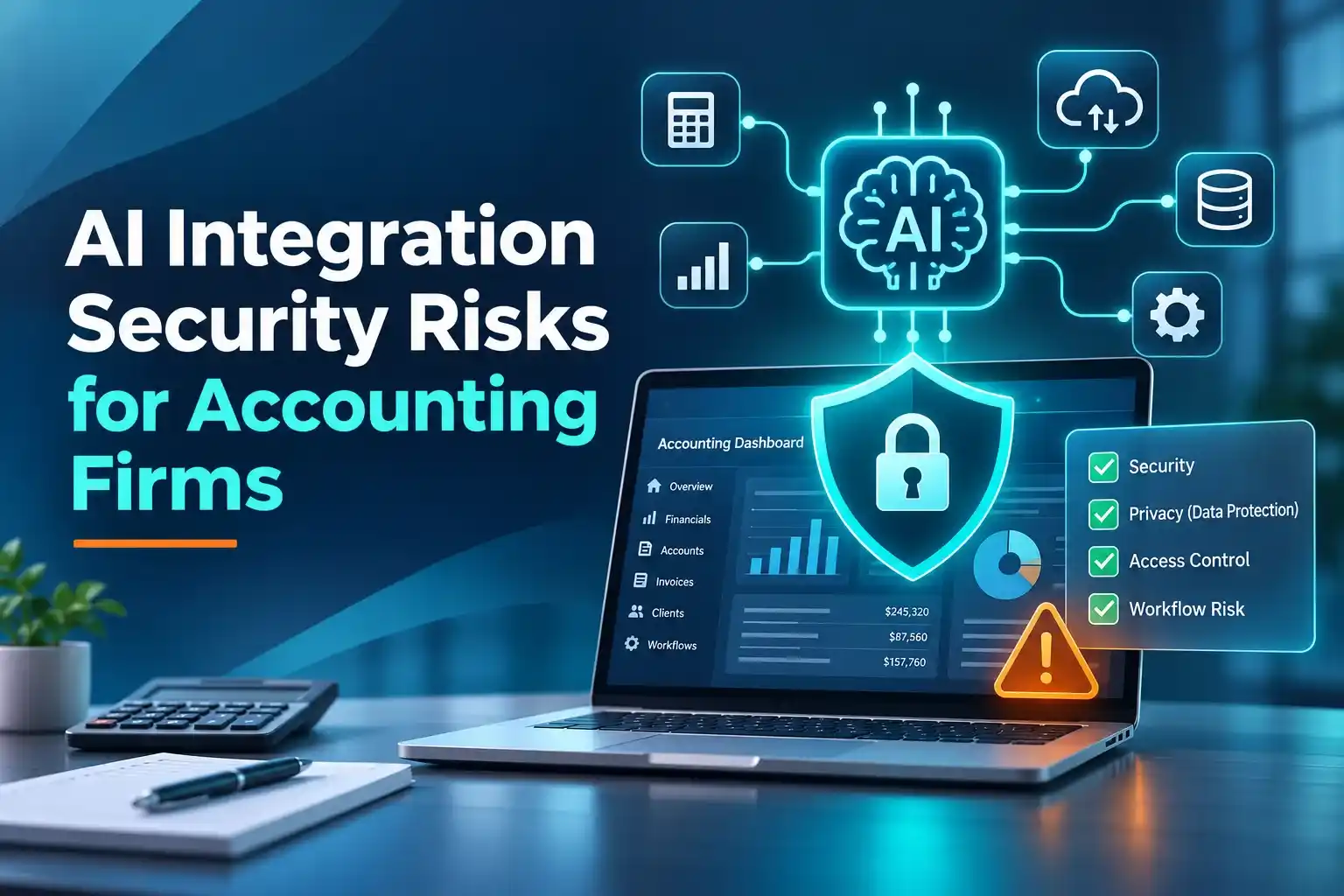
Could Your Accounting Firm's AI Integrations Become a Backdoor for Cyberattacks?
Blaise Wabo