Scale your CPA & accounting firm with elite offshore talent trusted by 1,000+ firms.
Thank you for your interest. Our due diligence checklist will be shared with you within 48 hours.

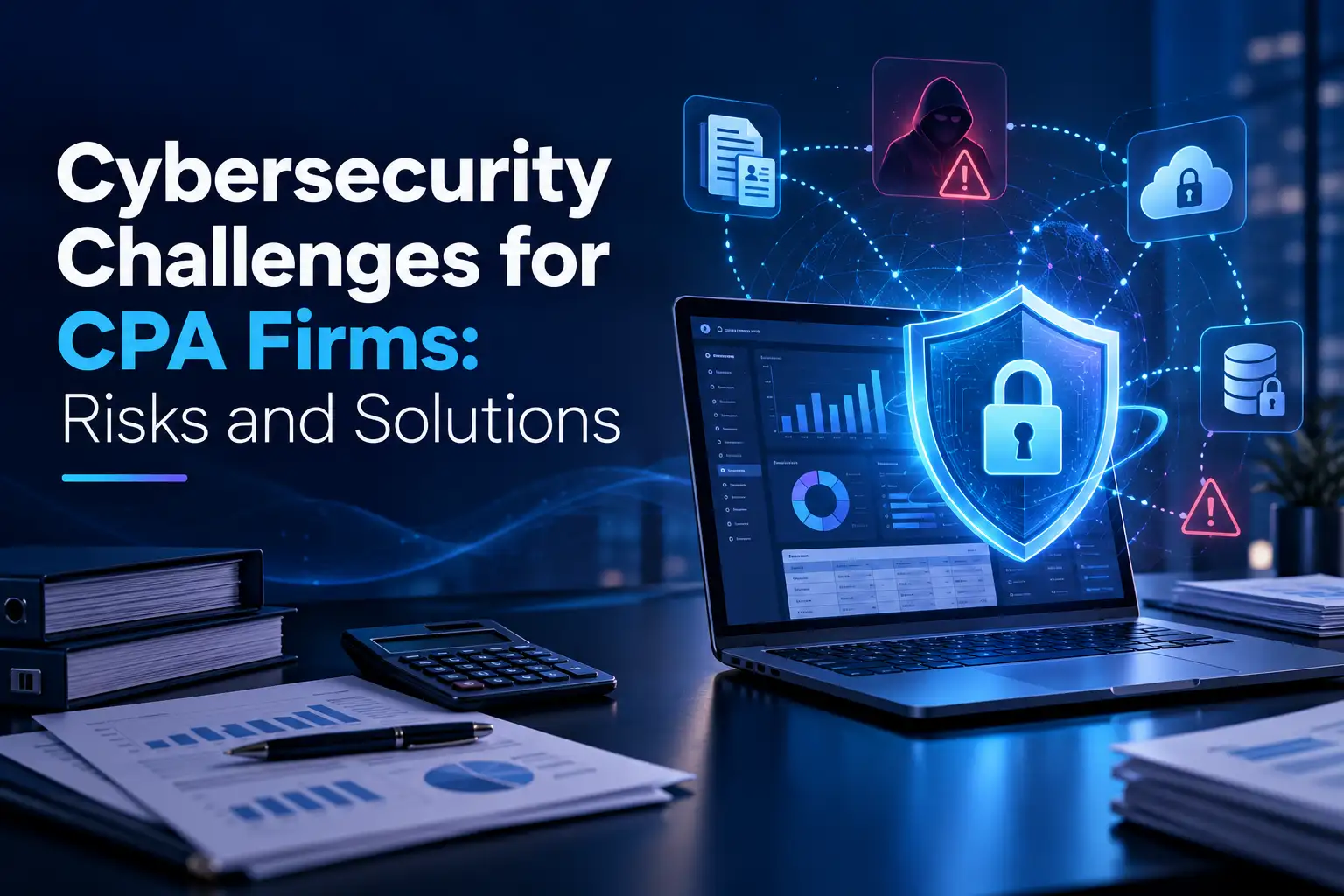
Cybersecurity for accounting firms has become critical as criminals increasingly target small and mid-size CPA practices, with the US reporting an estimated loss of roughly $2.4 billion from Business Email Compromise alone.
Accounting professionals hold a goldmine of sensitive data, including Social Security numbers, payroll records, bank details, and EFIN information that criminals actively seek. In fact, a single client tax file can generate hundreds of dollars for cybercriminals because it unlocks multiple fraud opportunities, far more valuable than a stolen credit card.
This makes accounting and cybersecurity inseparable in 2026. We'll walk you through why accounting firms face unique cyber threats, essential security controls you need, compliance requirements including the FTC Safeguards Rule, and practical implementation steps to protect your practice and clients from devastating breaches.
Accounting firms face heightened cyber risk, experiencing 30% more attacks than other industries, with criminals targeting valuable tax data, Social Security numbers, and financial records worth hundreds of dollars per file on the dark web.
Critical security controls to implement immediately:
The stakes are clear: ransomware attacks cause 14-21 days of downtime with average ransoms exceeding $300,000, while GLBA violations carry fines up to $100,000 per incident plus potential criminal penalties. Protecting client data isn't just good practice—it's a legal obligation and business survival imperative.
Accounting firms function as data aggregators, concentrating three categories of high-value information that cybercriminals actively seek. Financial data includes bank account information, financial statements, and transaction records that can be used for fraud or sold on the dark web. Tax information contains Social Security numbers, tax identification numbers, and detailed income information that are goldmines for identity theft. Personal identifiable information encompasses client addresses, dates of birth, and family information that enable sophisticated social engineering attacks.
Hackers target CPA firms not only for the data but also because they frequently have access to client funds. Criminals assume that mid-size and smaller firms lack strong information security preparedness strategies because their leaders believe they are too small to be targeted. This misconception creates vulnerability. Accounting firms face a 30% higher risk of suffering a cyberattack than other companies.
Phishing remains the most common attack method against accounting firms, with attackers impersonating clients, banks, or internal staff to trick employees into revealing sensitive information. During tax season, firms face an average of 900 cyberattack attempts per week, representing a 300% spike compared to non-peak periods.
Ransomware attacks lock firms out of their own data until a ransom is paid, encrypting critical files during crucial business operations such as tax filing periods. The average downtime from a ransomware attack ranges from 14 to 21 days, with the average ransom exceeding $300,000. Modern ransomware strains now exfiltrate sensitive client data first and threaten to leak it.
Third parties pose another vulnerability. Vendors, clients, and their security protocols can increase the potential for unauthorized disclosure of client PII or malware infections.
The Gramm-Leach-Bliley Act (GLBA) requires accounting firms to ensure the security and confidentiality of client information, protect against anticipated threats, and prevent unauthorized access that could result in substantial harm to clients. Fines can reach up to $100,000 per violation, with fines for officers and directors up to $10,000 per violation, plus criminal penalties of up to five years in prison and license revocation.
Three of the Big Four accounting firms were among 500 targets of a global ransomware attack. A small accounting firm paid nearly $84,000 to recover from a ransomware attack after an employee opened what appeared to be an invoice. Another 200-client CPA firm experienced a breach when a part-time employee's account was compromised through a fake employee portal, exposing 40 clients' data.

MFA can block 99.2% of account compromise attacks according to Microsoft. IRS Publication 1075 requires multi-factor authentication for all remote network access to systems that receive, process, store, or transmit federal tax information. Authentication must combine at least two factors: something you know (password or PIN), something you have (hardware or software token), or something you are (biometric verification).
Phishing-resistant MFA provides the strongest protection, combining biometrics with codes from pre-approved systems. Standard SMS and email verification no longer provide adequate security. Firms should enforce MFA across email, accounting software, remote access, cloud platforms, and administrative accounts.
Email remains the number one attack vector for accountants. Advanced protection requires phishing detection, fraud flagging on suspicious emails, Business Email Compromise prevention, and properly configured SPF, DKIM, and DMARC authentication. Sensitive data should never be sent through unencrypted email. Secure client portals with encryption replace risky email attachments.
Verizon's 2025 Data Breach Investigations Report found that 46% of compromised systems containing corporate credentials were non-managed devices. Endpoint detection and response (EDR), mobile device management (MDM), and unified endpoint management (UEM) provide necessary visibility and control. Remote workers require endpoint protection, automatic patch management, full disk encryption, and policies blocking risky applications.
The FTC Safeguards Rule requires encryption of all customer information in transit over external networks and at rest. Enable BitLocker on Windows or FileVault on Mac for full-disk encryption. Require TLS 1.2 or 1.3 for portals, email gateways, and APIs. Back up critical data frequently with encryption both at rest and in transit, and test recovery plans regularly.
Role-based access control (RBAC) limits users to only the data and systems needed for their job function. Segregation of duties separates invoice approval, payment processing, and authorization across different individuals. Administrative access should be restricted to those who absolutely require it. Annual access reviews identify users with excessive permissions.
Install firewalls to block unauthorized incoming and outgoing traffic, particularly for remote teams accessing systems over public networks. Combine firewall protection with updated antivirus software, intrusion detection systems, and log monitoring to identify unusual access patterns.
Federal law requires all professional tax preparers to create and implement a data security plan. IRS Publication 4557 outlines what your security plan must address, providing the clearest roadmap for tax preparers navigating WISP compliance. When completing IRS Form W-12 for PTIN renewal, Question 11 asks you to confirm that a WISP is in place. Answering yes when no plan exists constitutes perjury, with consequences including PTIN revocation, license suspension, and civil penalties.
Under the Gramm-Leach-Bliley Act, tax and accounting professionals are considered financial institutions, regardless of size.
The FTC requires each firm to designate a qualified individual to coordinate its information security program, conduct risk assessments, design and implement safeguards, select service providers that maintain appropriate safeguards, evaluate and adjust the program regularly, and implement multi-factor authentication for any individual accessing any information system.
Firms must report a security event affecting 500 or more people to the FTC as soon as possible, but no later than 30 days from the date of discovery.
Your incident response plan must define what constitutes a breach, document the containment and investigation process, identify all required notification parties (clients, IRS Stakeholder Liaison, FTC if 500 or more are affected, state regulators), and assign specific roles to staff.
The plan should cover internal processes activated in response to a security event, clear roles and decision-making authority, communications both inside and outside your company, procedures to fix identified weaknesses, and documentation requirements. Test the plan through tabletop exercises at least annually.
Human error continues to be the biggest cybersecurity threat to businesses, accounting for 68% of data breach incidents. According to IBM's 2025 Cost of a Data Breach Report, 95% of cybersecurity breaches are attributed to human mistakes or oversight. Accordingly, monthly simulated phishing attacks help employees recognize social engineering tactics.
If an employee clicks on a link within a simulated phishing email, they can be automatically enrolled in further security awareness training. Annual training alone no longer suffices; monthly training and refresher courses should be a business requirement.
Your WISP is a living document that requires review and updates at least annually, and any time your business changes in ways that affect your data security posture. Annual reviews should reassess risks, update hardware and software inventory, review access controls, confirm employee training completion, test your incident response plan, and reassess vendors. Records of changes or amendments to the Information Security Plan should be tracked and kept on file as an addendum to your WISP.

Start by inventorying every system, device, and user in your environment. List workstations, laptops, home devices, staff email accounts, tax software, QuickBooks files, client portals, remote desktops, and third-party integrations. Most breaches happen because something is left unmanaged.
Review MFA usage across email, hosting, and tax applications, check whether backups exist and when they were last tested, identify unsupported devices, and review admin access to determine who has more access than they need.
Week one focuses on assessment. Week two delivers immediate risk reduction by enforcing multi-factor authentication on email, hosting, and portals, deploying endpoint protection to all firm-owned devices, setting up automatic patching, enabling encryption for laptops and local data, configuring phishing detection, replacing spreadsheet passwords with a password manager, and deactivating old user accounts. These changes alone block the majority of phishing-based breaches and unauthorized access attempts.
In-house management works when you operate a very small practice with limited software sprawl, all staff work from a single location, every computer is owned and managed by the firm, you have no remote workers, and someone on staff is comfortable with IT setups. You need a specialist provider when you have multiple offices or remote employees, staff use mixed devices, you run multiple tax applications, you rely on hosted environments, you've experienced downtime or phishing incidents, or your WISP documentation hasn't been updated annually.
Cloud accounting in 2026 operates on a zero-trust model where no device is trusted by default and every login, action, and access request is continuously verified. Modern cloud accounting uses bank-level security as a baseline, including 128-bit SSL and AES-256 encryption to protect data in transit and at rest.
SOC 2 Type II certification confirms that strict controls are consistently followed over time. Firms still bear responsibility for protecting data on their end, including user behavior, device security, strong password policies, multi-factor authentication, encrypting data during transmission, managing permissions by role, and training staff to recognize phishing.
A standard 2026 cybersecurity stack costs approximately $25 to $70 per employee per month depending on industry risk. High-compliance industries like accounting should expect to be on the higher end. Businesses globally spend an average of 13.2% of their IT budgets on cybersecurity.
Different industries have varying benchmarks for cybersecurity spending, typically between 7% and 20% of the overall IT budget. Financial and healthcare data poses greater risks, and these data sources are most likely to be attacked by ransomware groups.
Cybersecurity in 2026 will be shaped by accelerating AI adoption, expanding cloud environments, and increasingly sophisticated attackers who target identities, data, and third-party ecosystems.
By 2028, half of CISOs will be asked to own disaster recovery responsibilities in addition to security operations. Identity-first security for humans and machines is now the strongest predictor of breach prevention. Organizations will be judged less by periodic assessments and more by the ability to consistently demonstrate resilience, transparency, and trust.
Strengthen AI governance by implementing access controls, data provenance protections, and adversarial testing for all AI systems. Modernize cloud security using cloud security posture management tools, Zero Trust, continuous logging, and encryption everywhere.

Cybersecurity isn't optional for accounting firms in 2026. You hold data that criminals actively hunt, and without a doubt, a single breach can devastate your practice and clients. Start by implementing MFA, encrypting sensitive data, and creating your WISP to meet FTC requirements. These controls block most attacks effectively. Your clients trust you with their financial lives, so treat their data security with the same diligence you apply to their tax returns.
Accounting firms store highly valuable data including Social Security numbers, bank account details, tax identification numbers, and financial statements. A single client tax file can generate hundreds of dollars for cybercriminals because it enables multiple types of fraud. Additionally, many small to mid-size firms mistakenly believe they're too small to be targeted, which creates security gaps that attackers exploit.
Multi-factor authentication (MFA) is the most critical security control, blocking 99.2% of account compromise attacks. It requires users to verify their identity using at least two factors—something they know (password), something they have (security token), or something they are (biometric data). MFA should be implemented across all systems including email, accounting software, remote access, and cloud platforms.
A WISP is a documented security program required by federal law for all professional tax preparers, regardless of firm size. Under the FTC Safeguards Rule and IRS Publication 4557, accounting firms must create a plan that addresses risk assessment, security controls, employee training, incident response procedures, and regular audits. Firms must confirm they have a WISP when renewing their PTIN, and false claims can result in penalties including license suspension.
Small accounting firms should expect to spend approximately $25 to $70 per employee per month for a comprehensive cybersecurity solution. High-compliance industries like accounting typically fall on the higher end of this range. Overall, businesses should allocate between 7% and 20% of their IT budget to cybersecurity, with accounting firms leaning toward the higher percentage due to the sensitive nature of financial data.
Firms can achieve significant risk reduction within two weeks by enforcing multi-factor authentication on all email and portal accounts, deploying endpoint protection to all devices, enabling automatic security patching, activating encryption for laptops and stored data, configuring email phishing detection, replacing spreadsheet-based password storage with a password manager, and deactivating unused employee accounts. These measures block the majority of common attacks.

Blaise Wabo is a cybersecurity and compliance expert with 12+ years of experience helping organizations meet security and regulatory requirements. As the Healthcare and Financial Services Lead at A-LIGN, he advises businesses on SOC, HIPAA, and HITRUST compliance. Since 2013, he has led more than 500 SOC reviews and 300 HITRUST/HIPAA assessments for Fortune 500 and growing companies. Blaise is recognized for simplifying complex compliance challenges into practical, scalable security solutions.
AI in Cybersecurity: What It Means for Small and Midsized Businesses in 2026
Blaise Wabo